Conditions of switches depending on special settings
You have the option of displaying elements depending on special settings, such as the operating system of the gaming device.
Content
An element can also be displayed randomly or depending on the operating system of the gaming device.
For example, you can set the teams to receive different tasks at random or you can create a task that can only be solved with the iPhone.
- First open or create the desired element
- Then click on the Switch menu tab
- Activate the switch and click on Add condition
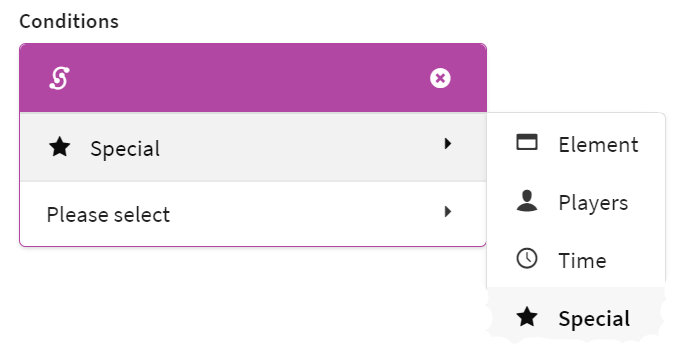
- Select Special and the desired function
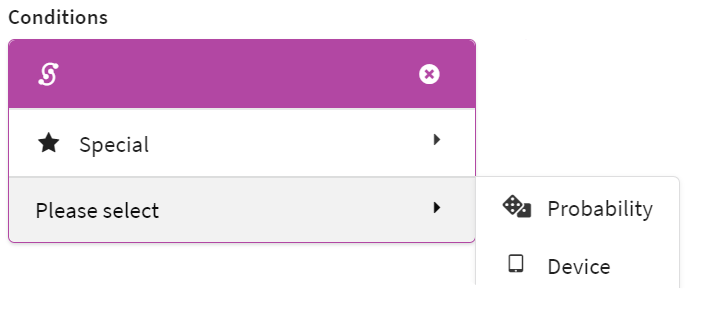
You define the probability in percent with which the element is played in the Bound.
Hint
With several elements in a row, which are assigned probabilities but are only displayed if the others have not been displayed (switch with reference element that has not been reached), you can thus randomly assign different tasks to different teams.
The item is displayed in the Bound when playing on an Android or iOS device.